

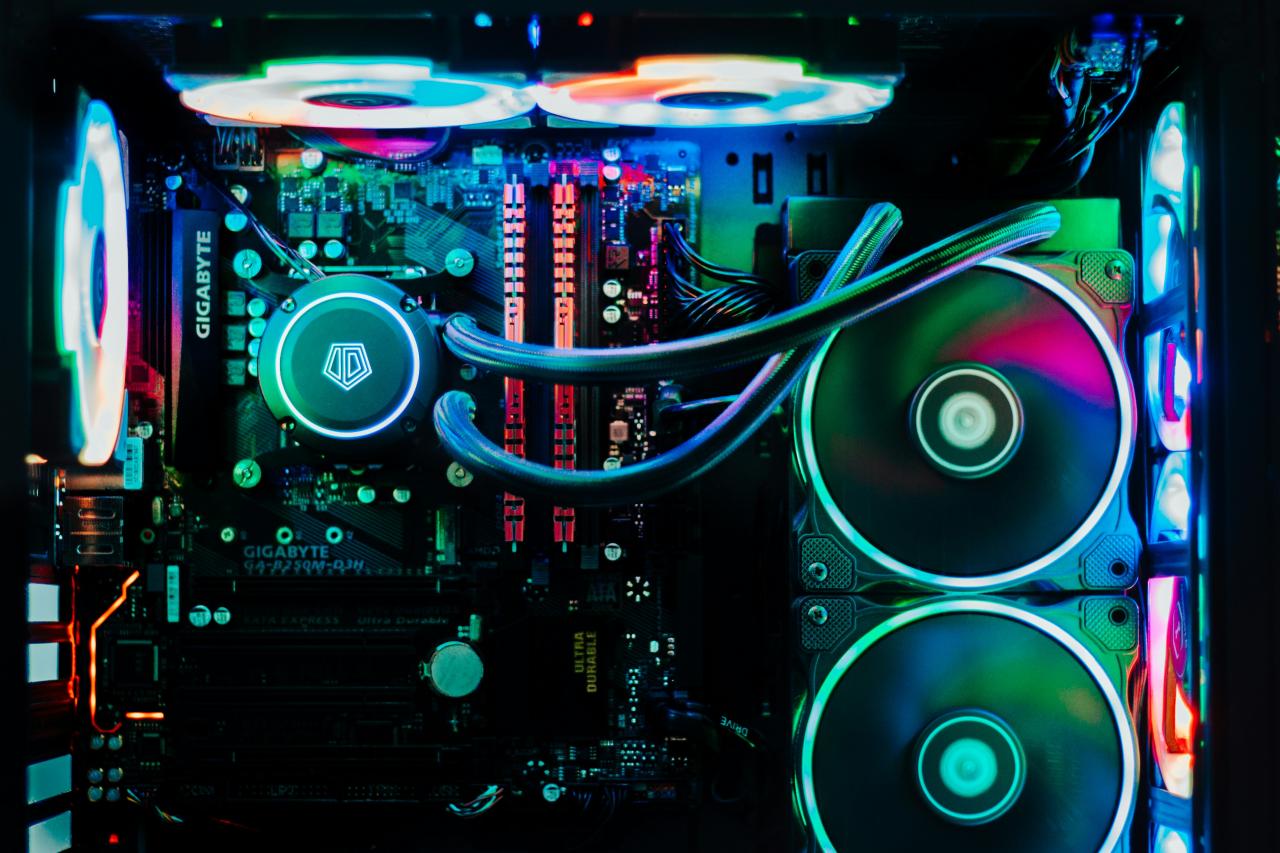
Installing advanced cooling systems for gaming rigs stands as a fundamental step for gamers who want to extract peak performance from modern computer hardware.
Many PC builders initially assume that factory coolers or basic case fans can comfortably handle demanding gaming loads and heavy multitasking sessions.
However, relying on stock cooling solutions during intense gaming sessions leads to rapid heat accumulation inside your computer case, triggering severe thermal throttling across major components.
High CPU and GPU temperatures force your system to lower clock speeds automatically, causing frustrating frame rate drops, system stuttering, and sudden crashes mid-game.
These hidden thermal bottlenecks quietly limit your hardware capabilities, shorten component lifespans, and degrade your overall gaming experience during competitive matches.
Standard PC cases often lack proper fan placement and adequate static pressure fans, leaving hot air trapped around your expensive graphics card and central processor.
Fortunately, modern all-in-one liquid coolers, high-capacity air towers, custom loop liquid cooling setups, and specialized thermal compounds allow hardware enthusiasts to manage system thermals effortlessly.
You no longer need to tolerate loud fan noise, dangerous hardware temperatures, or sudden performance cuts while running demanding modern titles.
Forward-thinking PC builders and esports competitors actively invest in top-tier cooling architectures engineered specifically to dissipate heat rapidly and maintain low internal temperatures.
Upgrading your PC thermal setup toward these advanced cooling solutions transforms your gaming rig into a whisper-quiet, ultra-efficient performance machine early in your building journey.
It establishes an exceptionally reliable, high-capacity cooling foundation that works endlessly to protect your hardware investment, sustain high clock speeds, and deliver rock-solid stability across every extended gaming session.
A. Select High Performance CPU Air Coolers For Reliable Thermal Management
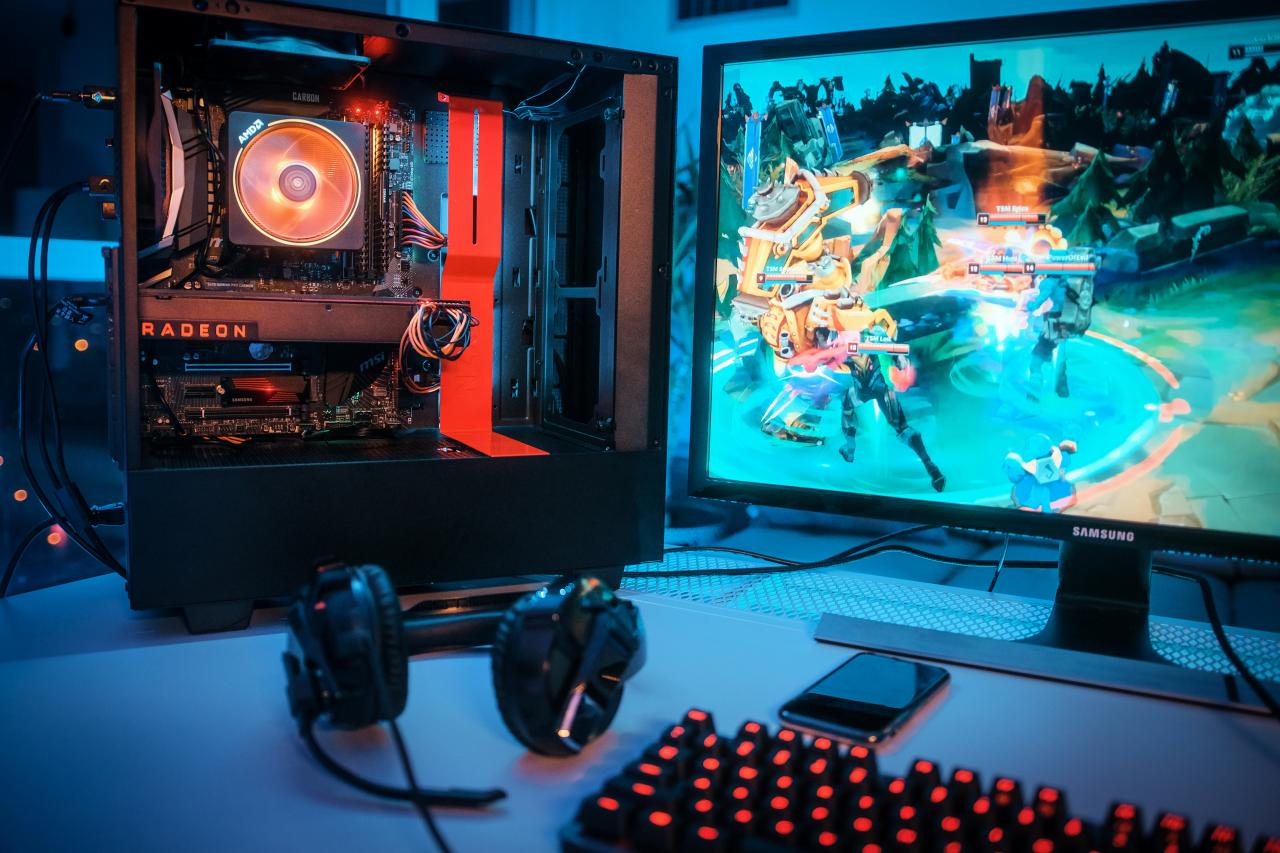
Selecting a high-performance CPU air cooler equipped with multiple copper heat pipes provides an exceptionally reliable thermal solution for modern multi-core processors.
Dual-tower air coolers utilize massive aluminum fin arrays and high-static-pressure fans to pull heat away from your processor heat spreader continuously.
Unlike liquid cooling setups, heavy-duty air coolers feature no pumps or liquid lines, eliminating any risk of fluid leaks or mechanical pump failures over time.
This mechanical simplicity guarantees long-term operational durability, keeping your processor cool under heavy gaming workloads without requiring complex routine maintenance.
From my perspective, you can easily avoid liquid leakage concerns while achieving impressive thermal performance by installing a dual-tower CPU air cooler. Choosing a premium air cooler over an entry-level liquid cooler saves your budget while delivering quiet, dependable heat dissipation for your processor.
This practical cooling choice solves your system reliability concerns completely, delivering a perfect balance of thermal efficiency and mechanical durability for your gaming rig.
It guarantees that your central processor maintains low operating temperatures without introducing unnecessary mechanical failure points into your system architecture.
B. Deploy All In One Liquid Coolers To Clear CPU Thermal Hotspots
Deploying an all-in-one liquid cooler allows you to transfer CPU heat directly to large external radiator mounts, freeing up clean internal space around your motherboard.
Closed-loop liquid coolers pump liquid coolant through micro-fin copper cold plates, absorbing intense CPU thermal energy before moving it to a radiator array.
This liquid heat transfer method handles sudden CPU temperature spikes much faster than traditional metal heat sinks, preventing short-term thermal throttling during heavy game loading screens.
Moving heat dissipation directly to case exhaust vents keeps internal ambient air cool, benefiting nearby graphics cards and voltage regulator modules.
I observe that you can smoothly resolve sudden processor heat spikes by mounting a three-hundred-sixty millimeter liquid cooler radiator at the top of your case. Utilizing liquid cooling loops saves your motherboard from supporting heavy metal air coolers, giving your build a clean, open visual appearance.
This liquid cooling strategy solves your processor thermal challenges perfectly, giving your CPU immediate heat relief the millisecond heavy gaming tasks begin. It ensures that your processor stays well within safe temperature limits while allowing your case fans to run at lower, quieter rotation speeds.
C. Optimize Case Airflow Pressure To Eliminate Trapped Heat Pockets
Configuring balanced airflow pressure using positive or neutral fan setups ensures fresh intake air streams across your motherboard while pushing hot air out immediately.
Unbalanced case airflow creates dead zones where hot air recycled from your graphics card sits directly over memory sticks and storage drives. Mounting front intake fans with high static pressure ratings forces cool room air through dust filters and drive cages directly into your system core.
This continuous fresh airflow prevents heat buildup around crucial system components, maintaining stable operating temperatures across your entire hardware ecosystem.
The truth is that balancing intake and exhaust fan speeds creates directional air channels that sweep trapped heat out of your chassis effortlessly. Setting your front intake fans to run slightly faster than your rear exhaust fans prevents unfiltered air and dust from creeping into case gaps.
This airflow optimization solves your ambient temperature worries beautifully, turning stagnant internal air pockets into a smooth, continuous stream of cooling air.
It delivers an exceptional combination of dust reduction and thermal control, allowing all your components to operate under ideal environmental conditions.
D. Apply High Thermal Conductivity Paste To Maximize Heat Transfer
Applying premium thermal compound with high thermal conductivity between your processor and cooler base plate eliminates microscopic air gaps that block heat transfer.
Raw metal surfaces on coolers and CPU heat spreaders contain invisible imperfections that trap tiny air pockets, creating severe thermal resistance. Quality non-conductive thermal pastes fill these tiny gaps completely, creating a seamless thermal bridge that transfers heat away from processor dies instantly.
This simple application step drops CPU operating temperatures significantly, maximizing the cooling potential of your air or liquid cooling hardware.
I believe that replacing factory-applied thermal pads with high-performance carbon-based thermal paste solves idle temperature issues with minimal effort. Spreading a thin, even layer of premium thermal compound ensures total surface coverage without overflowing onto delicate motherboard circuitry.
This inexpensive application detail solves your heat transfer challenges completely, ensuring your cooling hardware operates at its absolute peak efficiency. It provides the ultimate blend of low-cost optimization and high thermal performance, giving your CPU the efficient heat transfer it desperately needs.
E. Integrate Custom Loop Liquid Cooling To Tame High Wattage Graphics Cards
Integrating a custom liquid cooling loop featuring dedicated GPU water blocks allows hardcore enthusiasts to cool high-wattage graphics cards alongside top-tier processors.
Modern flagship graphics cards generate immense heat, causing stock fan coolers to spin loudly while board temperatures hover near thermal limits.
Custom water blocks make direct contact with graphics processors, video memory chips, and power delivery stages, keeping temperatures shockingly low under heavy load.
This massive cooling capacity enables high GPU clock speeds, eliminates fan noise, and transforms your PC into an aesthetic masterpiece.
You can easily conquer GPU fan noise and heavy thermal throttling by adding a dedicated graphics card water block into a custom liquid loop. Connecting your graphics card to large dedicated radiators saves your ears from loud fan noise while keeping GPU temperatures consistently low.
This advanced cooling project solves your extreme hardware heat challenges completely, turning a hot, loud graphics card into a silent, ultra-cool performing component.
It delivers an essential thermal foundation that lets you push maximum graphical settings without suffering from hardware noise or thermal performance drops.
Conclusion
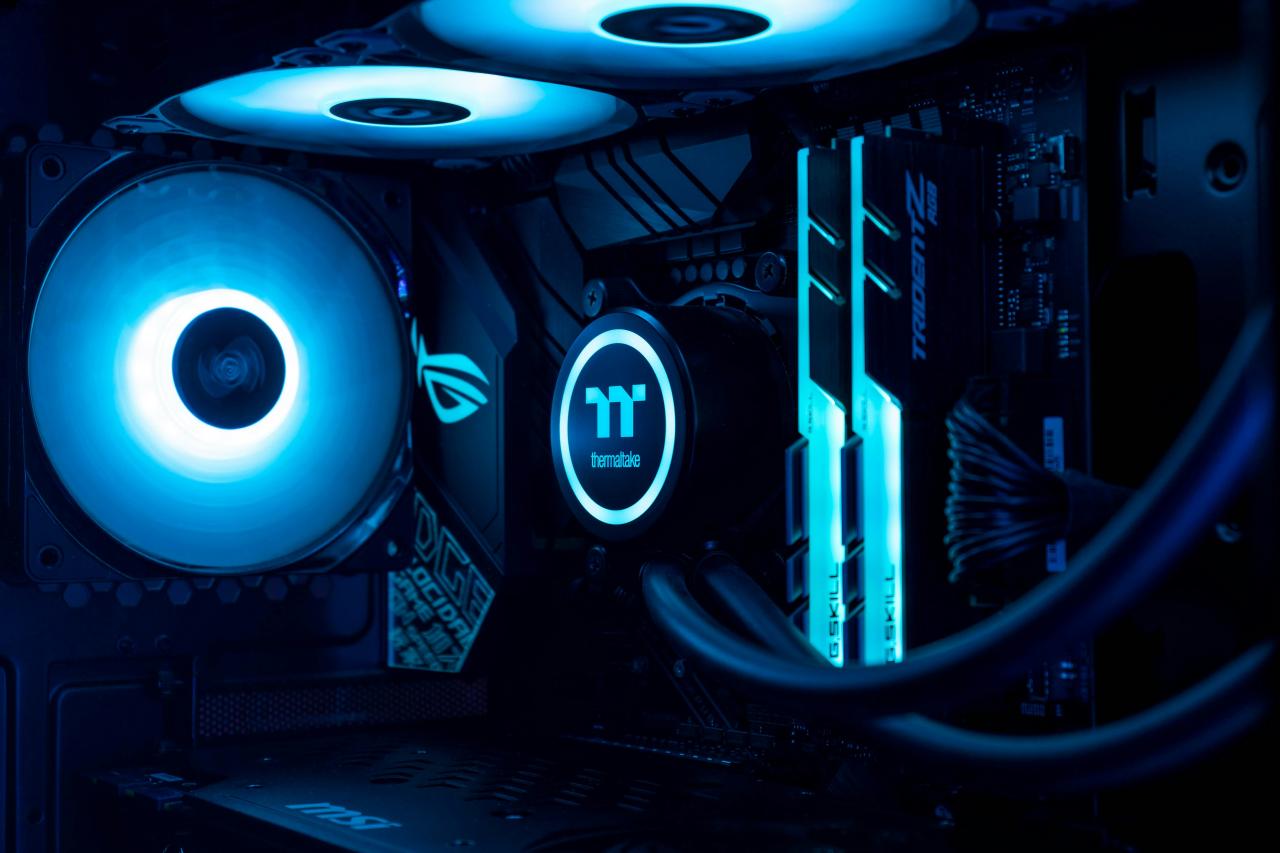
Installing advanced cooling systems provides the ultimate foundation for protecting your gaming rig and maximizing hardware performance today. This proactive thermal strategy removes the old limitations of stock cooling by introducing high-capacity heat dissipation tools.
You can build an exceptionally quiet and efficient gaming PC with total confidence by targeting these cooling upgrades. Selecting high-performance CPU air coolers eliminates the traditional hardware anxieties that usually keep busy builders feeling constantly worried.
Continuous mechanical reliability guarantees that your processor temperatures remain remarkably low, stable, and safe always. Trust these heavy-duty air coolers to keep your heat dissipation high while unlocking dependable daily thermal protection.
Deploying all-in-one liquid coolers unlocks excellent thermal management by clearing CPU heat hotspots instantly during heavy gaming loads. Automated liquid circulation parameters guarantee that your processor thermals remain completely cool, steady, and managed always.
This smart liquid path increases your cooling capacity without requiring bulky air coolers or complex custom loop maintenance routines. Optimizing case airflow pressure solves the frustrating chore of dealing with trapped heat pockets and dust accumulation manually.
Clear fan configuration parameters automatically maximize your internal air circulation while keeping your component ambient temperatures remarkably low. Apply high thermal conductivity paste to gain superior heat transfer efficiency that turns high processor temperatures into cool operating levels.
Integrating custom loop liquid cooling completely eliminates the deafening fan noise and thermal throttling associated with high-wattage graphics cards.

